Getting started
Set up Chekku for your office and field teams in a few steps.
Video coming soon
Getting started walkthrough
id: academy-getting-started · ~2–4 min
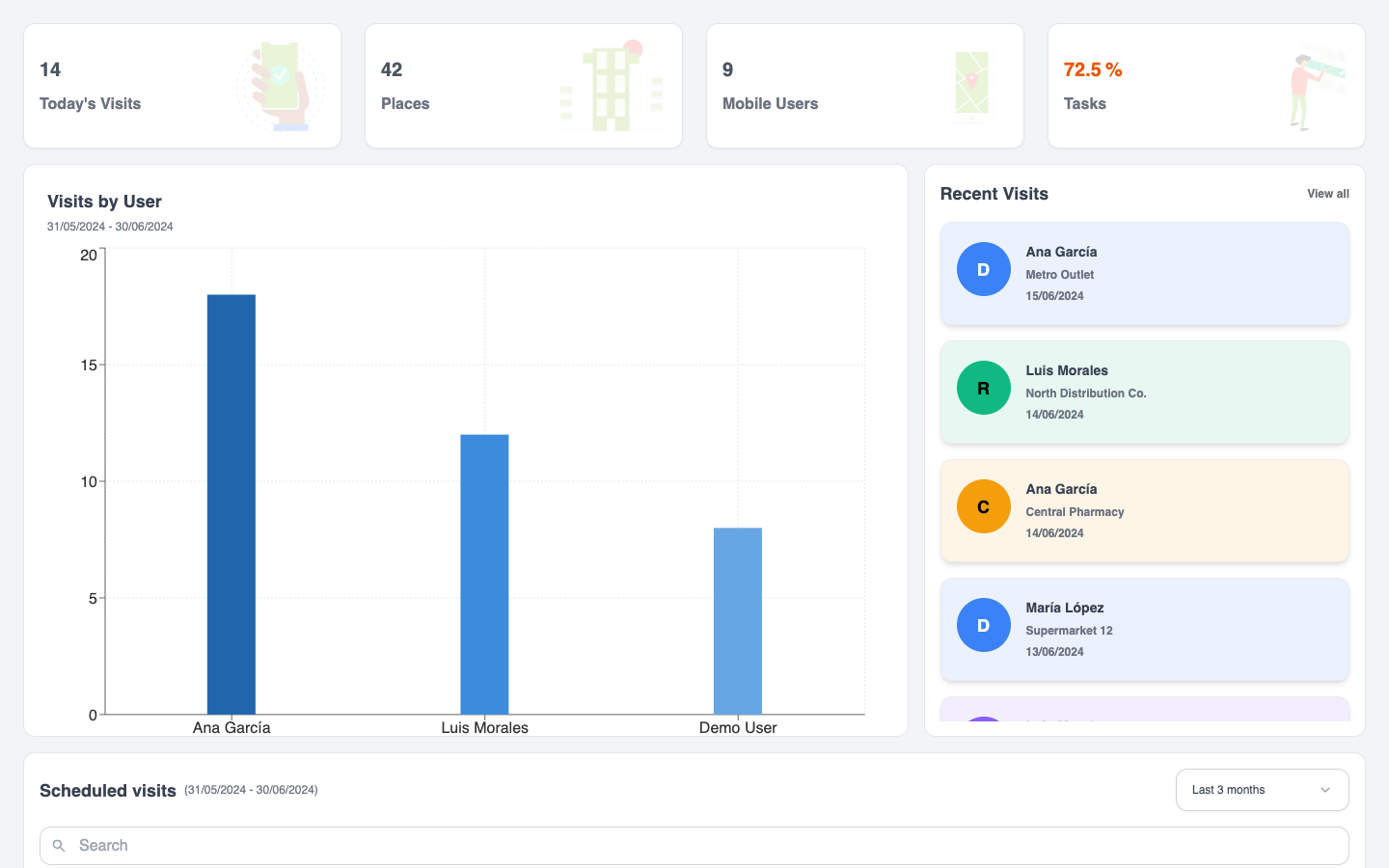
Audience: Admin (with help from supervisors and field leads)
Chekku connects a web app for the office with a mobile app for field personnel. Admins configure places, visit types, and forms; the field team captures visits, evidence, and answers on Android or iOS.
First week checklist
- Create the workspace and invite at least one other admin on the web.
- Add teams and mobile users so field staff can sign in on the phone.
- Register places (sites, customers, or routes) your team will visit.
- Define visit types (check-in / activity types) with the rules you need—forms, photos, place requirements.
- Build or adapt a form in Form Builder and attach it to the right visit types.
- Install the mobile app from Google Play or the App Store on a test device.
- Run a test visit, fill the form, then open the visit on the web to confirm evidence and answers.
Web vs mobile
| Role | Where they work | Typical jobs |
|---|---|---|
| Admin / office | Web | Forms, data sources, visit types, places, reports |
| Field | Mobile | Agenda, visits, GPS, photos, forms, signatures |
Deep dive: Web for the office, mobile for the field and Roles and access.
Suggested learning paths
- Admins: Admin path: first week
- Field teams: Field team path