Settings, notifications, visit types
Form identity, email alerts, standalone mode, and check-in type rules.
Video coming soon
Settings and visit types
id: academy-form-settings-and-visit-types · ~2–4 min
Audience: Admin
Open the Settings tab in Form Builder to configure how the form behaves outside the field layout. These options apply to the whole form, not individual questions.
Name and description
Name appears in the form library, mobile form picker, reports, and notification subjects. Use a name field teams recognize (“Delivery checklist”, not “Form v3 final”).
Description is internal documentation for admins—workflow notes, owner, revision history. It does not show on mobile.
Notifications
Control who receives email when someone submits the form.
Notify internal emails
Turn on Notify internal emails and list addresses (comma- or newline-separated). Each submission triggers a notification to that list. Typical recipients: operations, QA, billing, or a shared inbox.
Notify customer
Turn on Notify customer to email the place or customer contact when an address is available from visit context. Use for sending a copy of service records or approval requests. Requires customer email data in your places setup.
Notifications fire on submit, independent of visit-type required rules.
Standalone form
Enable Standalone form when users should fill the form without starting a visit.
Standalone forms require a default check-in type. Chekku uses that type to classify the submission when no visit is attached. Pick the type that best matches how you report standalone entries.
Leave standalone off for forms that only make sense inside a visit (place-specific inspections, route check-ins).
Visit types (check-in types)
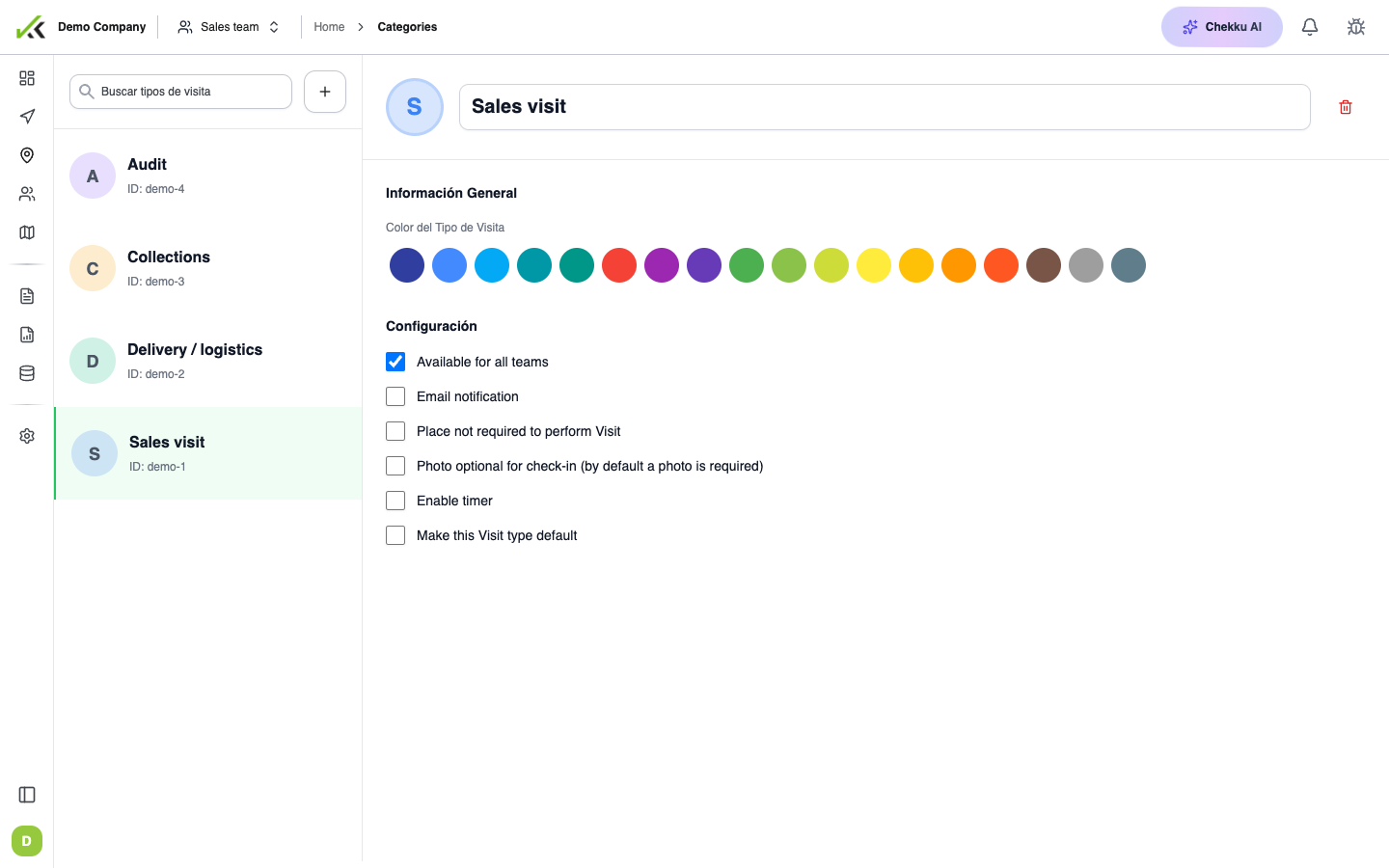
Under Visit behavior, decide where the form appears:
Available in all check-in types
When enabled, every visit type can show this form. Mobile users see it whenever they open forms during a visit of any type.
Selected check-in types
Disable “all types” to pick specific visit types from the searchable list. Only selected types offer the form on mobile. Useful when the same form applies to “Delivery” and “Pickup” but not “Training”.
Required per visit type
For each selected visit type, toggle Required. A required form must be completed (submitted) before the visit can finish on mobile. This is form-level enforcement—distinct from marking individual fields as required in the editor.
Example: “Safety checklist” required for Maintenance visits, optional for Audit visits.
Tips
- Set name and visit types before the first save so mobile sync picks up correct rules.
- Keep internal notification lists small and monitored—avoid personal inboxes.
- Standalone + default check-in type is mandatory; saving without it shows an error.
- Review required flags with supervisors—too many block field completion in poor connectivity.
- Pair Notify customer with PDF-friendly layouts if recipients print or archive emails.