Roles and access
Who can design forms, manage teams, and work from mobile in Chekku.
Video coming soon
Roles and access
id: academy-roles-and-access · ~2–4 min
Audience: Admin · Supervisor
Your organization assigns each person a role. Menus and actions appear based on that role and on modules your company has enabled.
Typical roles
Administrators
Admins manage sensitive configuration, including:
- Form design (Form Builder)
- Data sources
- Visit / check-in types
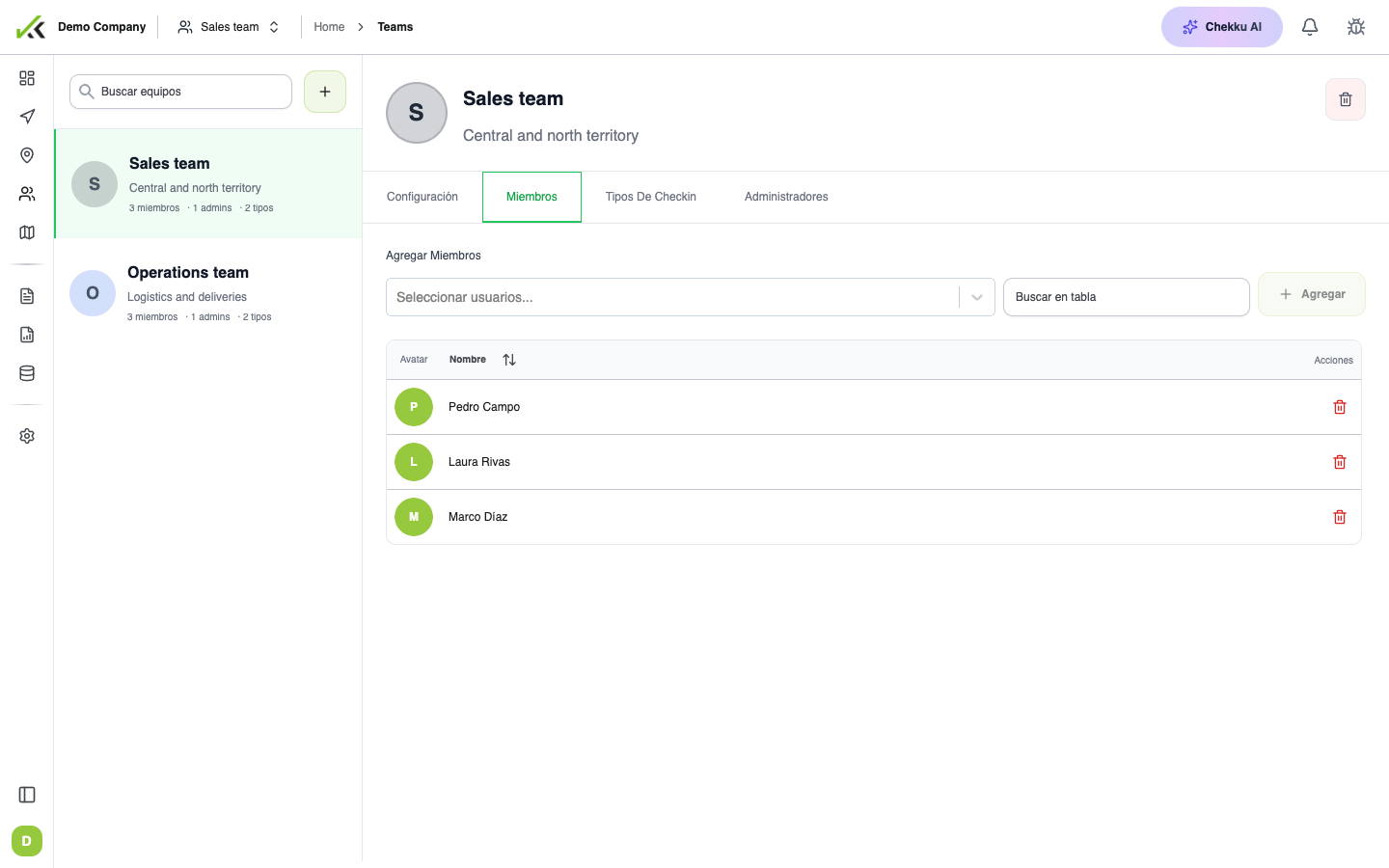
- Teams, supervisors, and mobile users
- Place types and bulk place uploads
- Subscription and many settings pages
If you cannot open Form Builder, ask an admin to grant administrator access or enable the Forms module.
Supervisors (web)
Supervisors use day-to-day web tools—dashboards, visits, tasks, places, and many reports—with some elevated permissions (for example viewing teams). They usually do not redesign forms or data sources unless also granted admin rights.
Mobile users (field)
Field staff sign in on the Chekku mobile app. They receive assigned work, start visits, capture GPS and evidence, and fill forms. They do not use the admin Form Builder. In-app office “Guía” / Academy entry points are aimed at web roles, not mobile users.
If a menu is missing
- Confirm your role with an admin.
- Confirm the feature is included in your plan (for example Tracking or Chekku AI).
- Try signing out and back in after permissions change.