Reports from forms
Turn form answers into dashboards, tables, and exports for the office.
Video coming soon
Reports from forms
id: academy-reports-from-forms · ~2–4 min
Audience: Admin · Supervisor
Every submitted form becomes structured data tied to a visit, user, place, and timestamp. Chekku form reports let you slice that data without rebuilding spreadsheets by hand.
Form reports vs. visit lists
Visit control shows who went where and when. Form reports focus on answers—quantities, checklist results, photos metadata, signatures—across many visits. Use both: visits for operational map review, form reports for KPIs and compliance.
Build a useful report
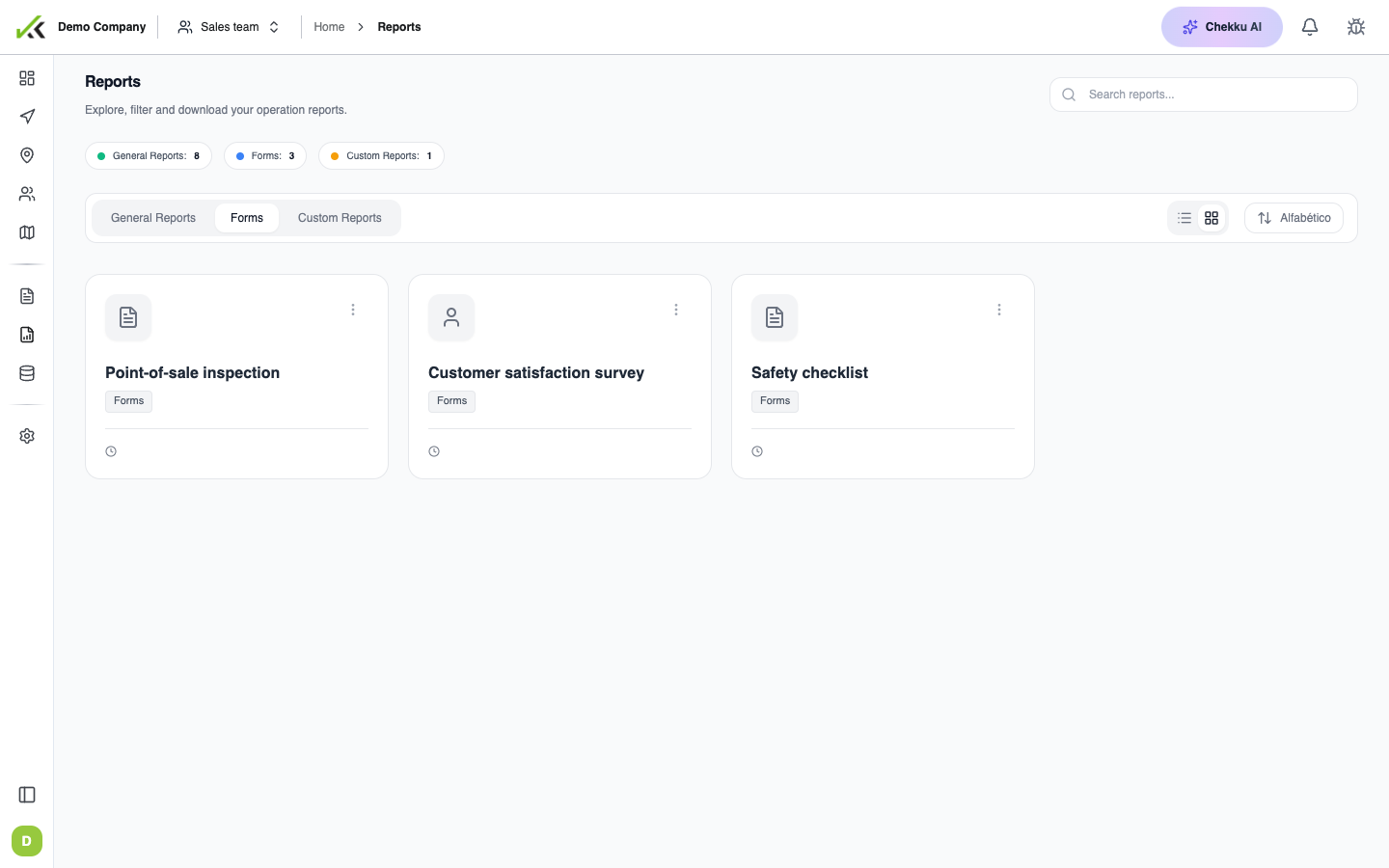
- Open Reports on the web and pick a form-based report (or create one if your plan allows custom layouts).
- Set filters: date range, team, user, place, visit type, and specific field values.
- Choose columns or widgets to display.
Widgets
Widgets summarize field data visually:
- Tables — row per submission with selected field keys.
- Counts and totals — numeric fields summed or averaged.
- Charts — distribution of list values (e.g. defect types by week).
- Maps — submissions plotted when location is part of the visit context.
Start with a narrow date window and one form version. Expand filters once numbers look correct.
Export and share
Most reports support export to Excel or PDF from the report toolbar. Exports respect current filters—document your filter set when sharing files with finance or clients.
For email and WhatsApp alerts when work completes (not the same as scheduled exports), see Reports and notifications.
Field keys and API
Report columns use internal field keys defined in Form Builder. If a column is empty after rename, see Field keys and API.
Tips
- Align report filters with visit type so you do not mix incompatible forms.
- Hide unused columns—shorter exports are easier to audit.
- After changing form structure, open historical data with the form version filter if available.
- Schedule a weekly export only after supervisors sign off on column definitions.